
AnyX Guide Topic: desktop
-
Using RemoteApp With Windows 2012R2
Read more: Using RemoteApp With Windows 2012R2A visual guide to configuring Microsoft RemoteApp on Windows Server 2012 R2. This walkthrough provides screenshots detailing the necessary steps to publish and manage remote applications, enabling seamless and secure access for users.
-
Rockwell Automation PanelView VNC
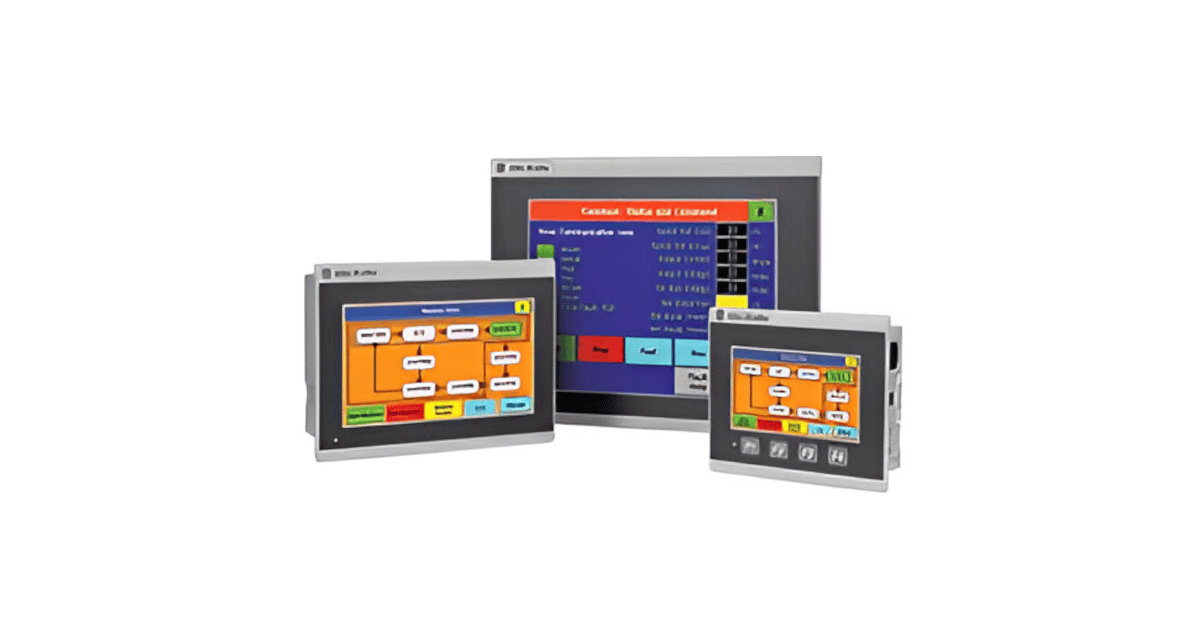 Read more: Rockwell Automation PanelView VNC
Setup Agilicus AnyX to make secure industrial remote access available to any user, to a Rockwell Automation PanelView HMI. No VPN. No firewall change. Single-Sign-On. Multi-factor authentication.
-
Using Remote Desktop Gateway through a Launcher
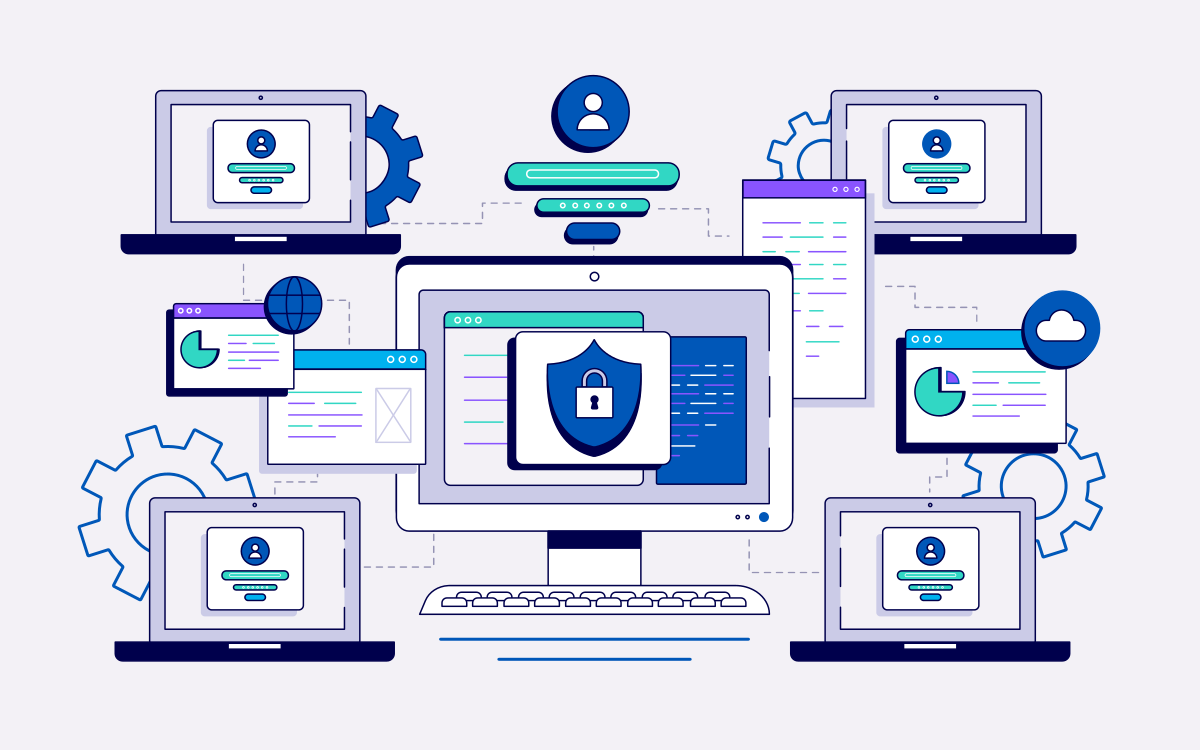 Read more: Using Remote Desktop Gateway through a Launcher
This guide will walk you through configuring your machine to access desktops using a Remote Desktop gateway via an Agilicus Connector. This is a different setup than the normal Desktop direct feature.
-
Real VNC & Raspberry Pi
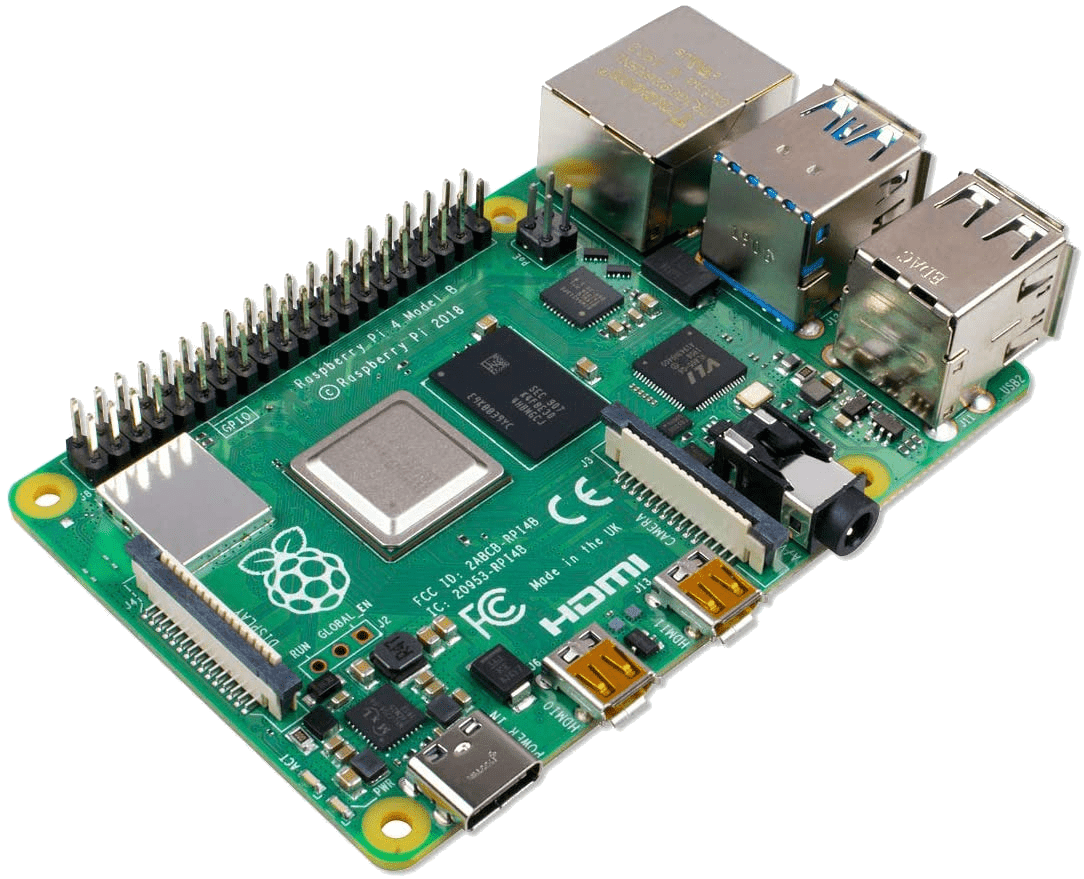 Read more: Real VNC & Raspberry Pi
The Raspberry PI (with Raspbian) comes pre-installed with a VNC-like server. This can be configured to support standard authentication and used via Agilicus Any-X
-
VNC Desktop
 Read more: VNC Desktop
The VNC Desktop feature allows browser-based use of remote graphical-oriented resources. This can include traditional operating systems like Windows, Linux, MacOS, but, also, includes embedded devices such as HMI.